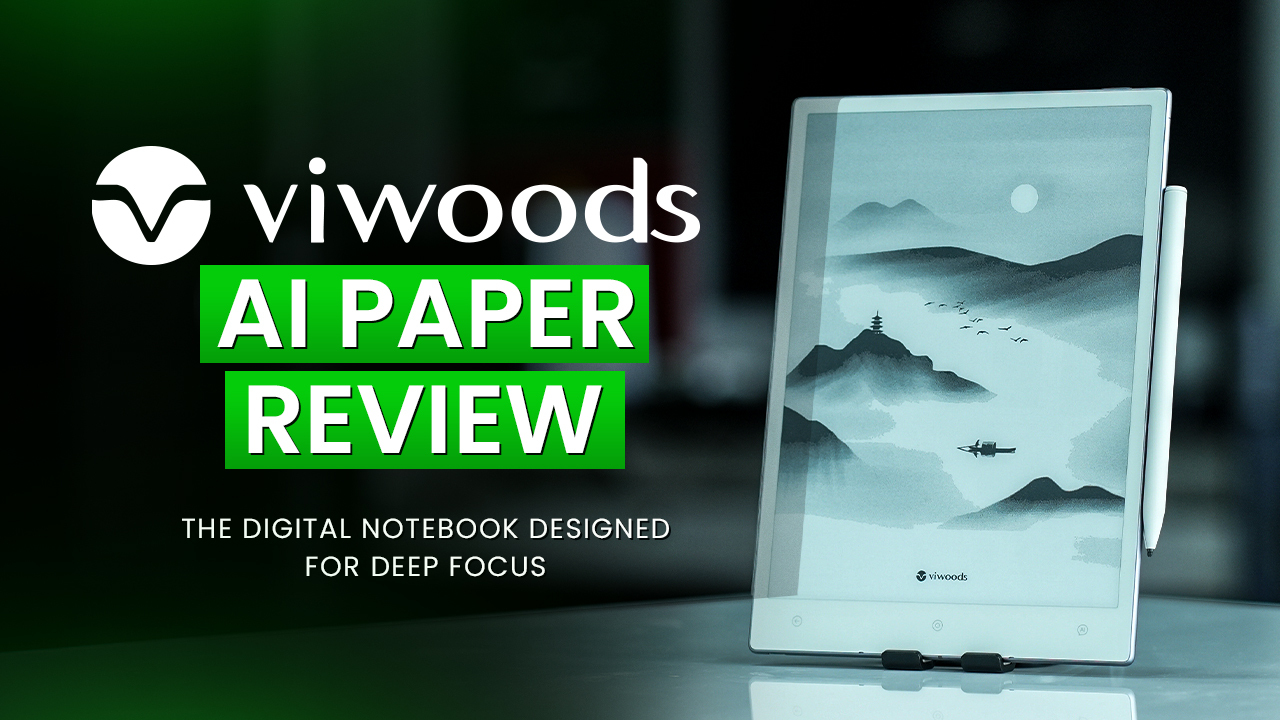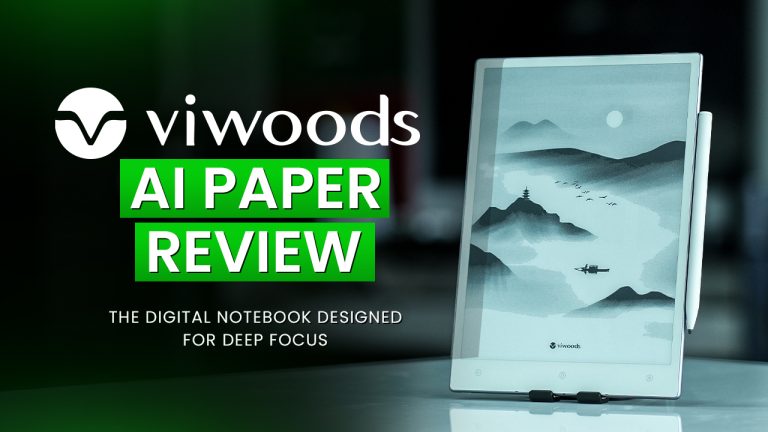
In a world dominated by high-speed tablets and vibrant screens, sometimes the best tech doesn’t shout for attention; it quietly creates space for thinking. That’s exactly what the Viwoods AI Paper aims to do.
This isn’t your typical all-in-one tablet. Instead of replacing your iPad or Galaxy Tab, the AI Paper introduces itself as a different kind of companion: one that lets you think more clearly, read without distractions, and write like you’re holding a pen to paper. It’s a focused productivity device with a refined E-ink display, stylus support, and surprisingly helpful AI features baked in.
So, how well does it hold up in real-world use? Let’s walk through everything you need to know.
A Thoughtful First Impression
From the moment you open the box, the Viwoods AI Paper makes it clear that it’s built with intention. The tablet arrives already secured in its matte protective case, giving it a ready-to-go appeal. Inside, you’ll find a USB-C charging cable, a SIM pin for internal resets or expansions, and a sleek all-black manual that looks like it came from a design studio rather than a tech company. It’s a small touch, but one that sets the tone for the entire product.
The standout here is the stylus—a Wacom-powered pen that doesn’t need charging. It comes with some extra nibs; it’s clear the company wanted you to feel equipped for the long haul.
Not Just Another Tablet
The Viwoods AI Paper isn’t built for entertainment or endless app scrolling. It’s more of a digital notebook, made to support writing, sketching, reading, planning, and deep thinking. Instead of a glowing backlit screen, it uses E-ink, a technology that creates images using tiny black and white particles. Once they settle into place, they don’t move unless refreshed, which means the screen consumes very little power and has zero glare.
This creates a completely different kind of experience. You can stare at the screen for hours without eye fatigue, whether you’re reading a long PDF or working through lecture notes. The entire device is built around the idea of doing less, better.
Design That Disappears in Your Hand
When it comes to form, the AI Paper is impressively thin and light. At just 4.5mm thick and weighing around 370 grams, it feels closer to holding a legal pad than a tech gadget. You can use it for hours without straining your wrist, and the ultra-slim profile makes it ideal for slipping into a backpack or tote.
The screen itself is a 10.65-inch E-ink Carta 1300 display, offering a high 300 PPI resolution. This translates to crisp, high-contrast visuals where text, sketches, and even detailed diagrams look clean and professional. The matte finish adds a subtle texture, giving your handwriting a tactile feel that glass screens can’t replicate. It’s as close to writing on paper as you can get from a digital device.
A Focused Android Experience
Unlike traditional E-ink devices, the AI Paper runs on Android, giving you the option to install familiar productivity tools. It doesn’t come with the Play Store out of the box, but once you sideload it, you can add apps like Kindle, Dropbox, Notion, Google Docs, and OneDrive. This flexibility turns the AI Paper from a simple e-reader into a versatile, creative, and productive device.
That said, this isn’t a tablet meant for web browsing or video streaming. The e-ink display naturally limits fast refresh rates, which is actually a good thing. It nudges you away from distractions and into a space where you can think, write, and plan without the noise of social media or autoplay videos.
The interface is organized into core sections: Notes, Reading, Calendar, and Apps. The calendar is particularly intuitive. You can jot a task directly onto a date, and it automatically saves and syncs with your Gmail or Outlook account. It feels more like writing in a physical planner, only smarter.
Writing That Feels Familiar
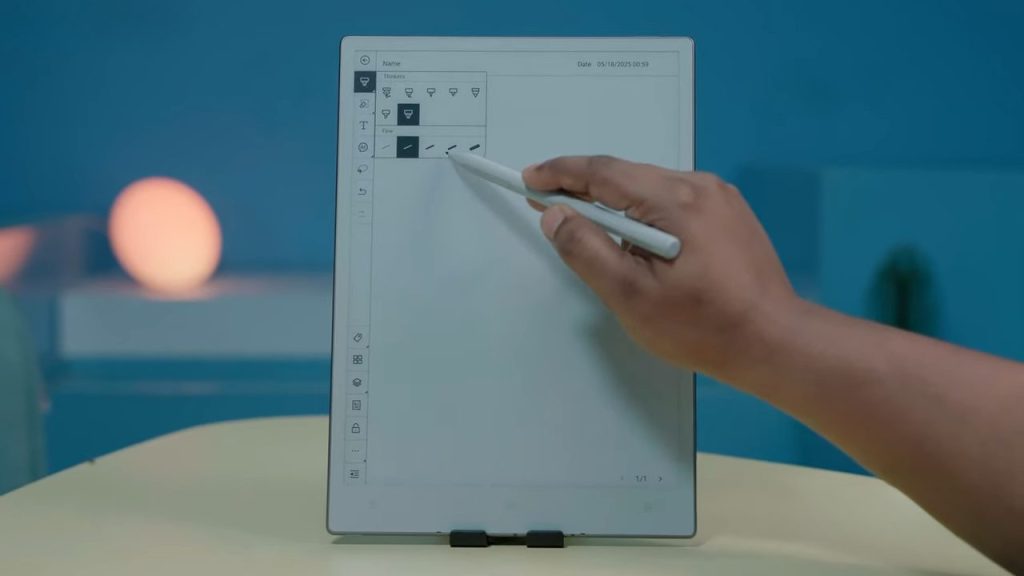
The writing experience on the Viwoods AI Paper is one of its most impressive features. The stylus feels like a real pencil in hand, complete with a flat edge for grip and orientation. It doesn’t require batteries, and the pressure sensitivity, with support for 4096 levels, responds beautifully to handwriting, sketches, and shading.
What makes it feel even more natural is the smart erasing system. You can either press the side button or flip the stylus upside down and erase as you would with a real pencil. These little gestures make the experience feel grounded, not gimmicky.
Templates further enhance the writing process. The device includes 31 built-in formats, ranging from standard lined paper to Cornell note-taking layouts, math grids, music composition sheets, and even fashion design templates. Whether you’re a student, artist, or professional planner, there’s a template that fits your workflow.
Daily Planner: Your Day, All in One Place
A feature that deserves a spotlight is the Daily Planner. Unlike typical calendar widgets, this acts as a centralized dashboard that brings together your notes, meeting memos, sketches, and learning materials based on the selected day.
Instead of bouncing between folders or apps, your day’s workflow is organized visually and functionally in one place. Whether you’re planning a presentation, managing assignments, or reflecting on your journal entries, this dashboard turns the AI Paper into a truly smart productivity device.
Built-In AI That Works With You
One of the most unique aspects of the Viwoods AI Paper is its integrated AI assistant. This isn’t just an app you install — it’s built into the system. You can activate it with a long press of a dedicated button or highlight any text on the screen to trigger options.
From there, the AI can summarize articles, explain complex concepts, structure outlines, or even convert handwritten notes into digital text. It’s surprisingly accurate and helpful, especially for students or professionals who need to work through dense material.
Even better, there’s no monthly fee or subscription to unlock this feature. Everything is included with the device.
Google & Outlook Calendar Sync: Time Management, Reimagined
Tired of copying schedules between your devices? The AI Paper solves that. With direct sync to Google and Outlook calendars, your handwritten tasks or appointments can be linked and reflected in your digital calendars.
This is especially helpful for professionals and students juggling meetings, assignments, and personal tasks. It’s paper-planning made smarter, with none of the friction.
A Beautiful Reading Companion
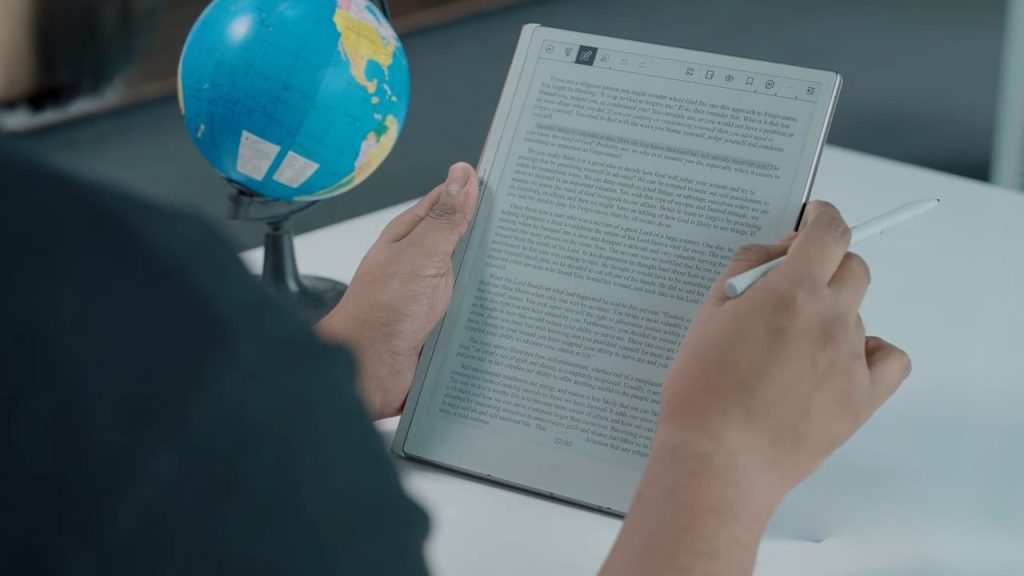
As a reading device, the AI Paper is outstanding. It supports EPUB and PDF files natively, and once you install a reading app like Kindle, you get access to your full digital library. The display’s high resolution and strong contrast make every page pop, without the harsh blue light of traditional tablets.
You can easily import documents through USB-C, cloud sync, or Viwoods’ own Vi Transfer system, which allows wireless file sharing between devices. Whether you’re reviewing academic papers, enjoying a novel, or editing a draft, the experience is smooth, distraction-free, and visually relaxing.
Long Battery Life That Keeps You Focused
Thanks to its low-power E-ink technology, the Viwoods AI Paper doesn’t need daily charging. With a 4,100mAh battery, you can expect around a week of regular use, or about up to a full month on standby. Unless you’re using AI features or cloud syncing constantly, it rarely dips below 50% in a day.
This makes it an ideal device to carry around without worrying about outlets or power banks — just pick it up and start writing.
Final Thoughts
The Viwoods AI Paper isn’t trying to be your everything device, and that’s exactly why it stands out. It’s designed for clarity, creativity, and calm. Whether you’re a student organizing lecture notes, a professional mapping out projects, or a writer chasing ideas, it creates a distraction-free zone where your thoughts come first.
With its slim profile, impressive handwriting experience, smart AI tools, and seamless reading capabilities, the AI Paper feels less like a gadget and more like a creative partner. And considering this is Viwood’s first product, the bar they’ve set is impressively high.
This may not be the most talked-about E-Ink tablet, but it just might be the one you didn’t know you needed.